“Your account is locked” scams
Last reviewed:
A message says your bank account, shopping account or email has been locked, suspended or used from a new device, and you must sign in through a link to fix it. The link opens a fake login page. Whatever you type, your username, your password and the code sent to your phone, goes straight to the scammer, who uses it on the real site at the same moment.
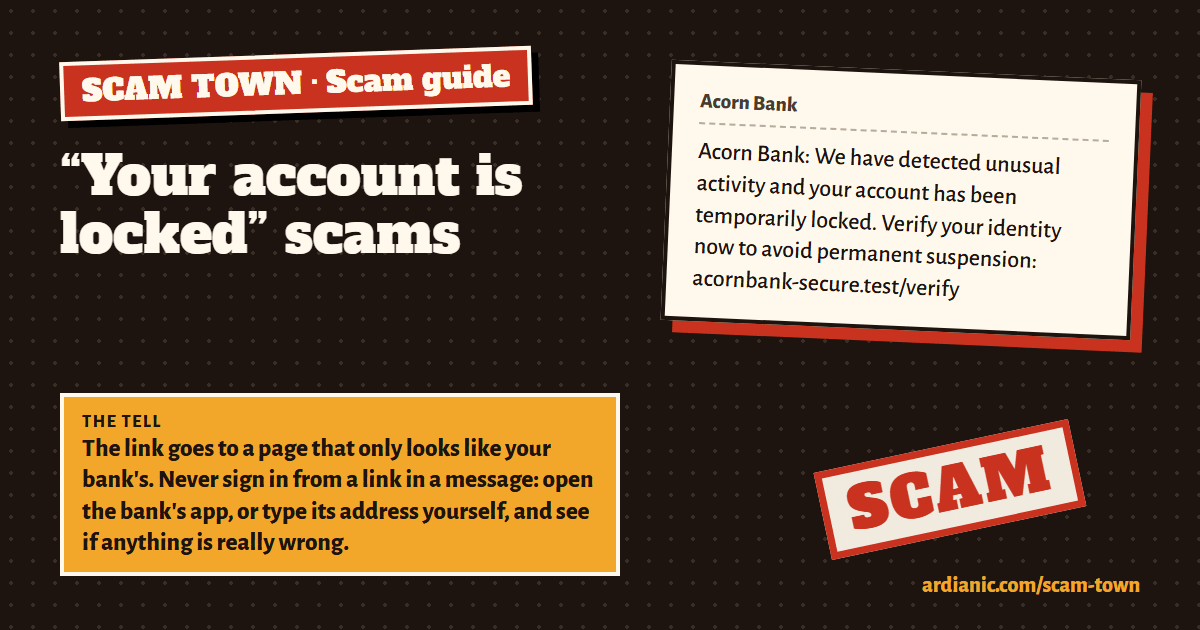
What it looks like
Acorn Bank: We have detected unusual activity and your account has been temporarily locked. Verify your identity now to avoid permanent suspension: acornbank-secure.test/verify
A made-up example. Every name, number and link here is fictional.
The tell
The link goes to a page that only looks like your bank's. Never sign in from a link in a message: open the bank's app, or type its address yourself, and see if anything is really wrong.
Other signs
- Fear first: locked, suspended, unusual activity, final warning.
- A link to sign in, rather than “open your app”.
- An address with extra words such as -secure, -verify or -login, or with one letter changed.
- “Dear customer” instead of your name.
- After you sign in, the page asks for more: your card number, the code from your phone, or your security answers.
What to do
- Don't use the link. Open the real app or website yourself. If your account really has a problem, it will show there.
- If you typed your password, change it on the real site now, and anywhere else you use the same one.
- Turn on two-step sign-in for that account.
If you already replied, tapped or paid
- Call your bank straight away, on the number on your card (or 159 in the UK). Banks can sometimes stop or recover a payment if they hear quickly.
- Change any password you typed in, on the real site, and turn on two-step sign-in.
- Report it (below), and keep the messages and receipts.
- Be careful of anyone who then offers to get your money back for a fee. That is a second scam.
- Don't feel ashamed. Scams are written by professionals and fool careful people every day.
Report it
- In the UK: forward scam texts free to 7726, and scam emails to [email protected].
- Report fraud at reportfraud.police.uk or call 0300 123 2040 (in Scotland, call Police Scotland on 101).
- Elsewhere: your country's police or consumer protection service.
Sources
The advice here follows these official UK pages:
Practise spotting it
In Scam Town you get letters, texts and calls like these, decide which are real, and see the tell after every answer. You can also build scams yourself from ready-made pieces, which is the fastest way to learn how they work. It's free and plays in your browser.
Play Scam Town