Look-alike links and senders
Last reviewed:
Many scams depend on one small trick: a web address or email that looks like a real one at a glance. A letter is swapped (bnak for bank), a number replaces a letter (0 for o, 1 for l), “rn” stands in for “m”, or extra words are added (-secure, -login, -support). And a sender's name can say anything at all: the name “Acorn Bank” can sit on top of any address.
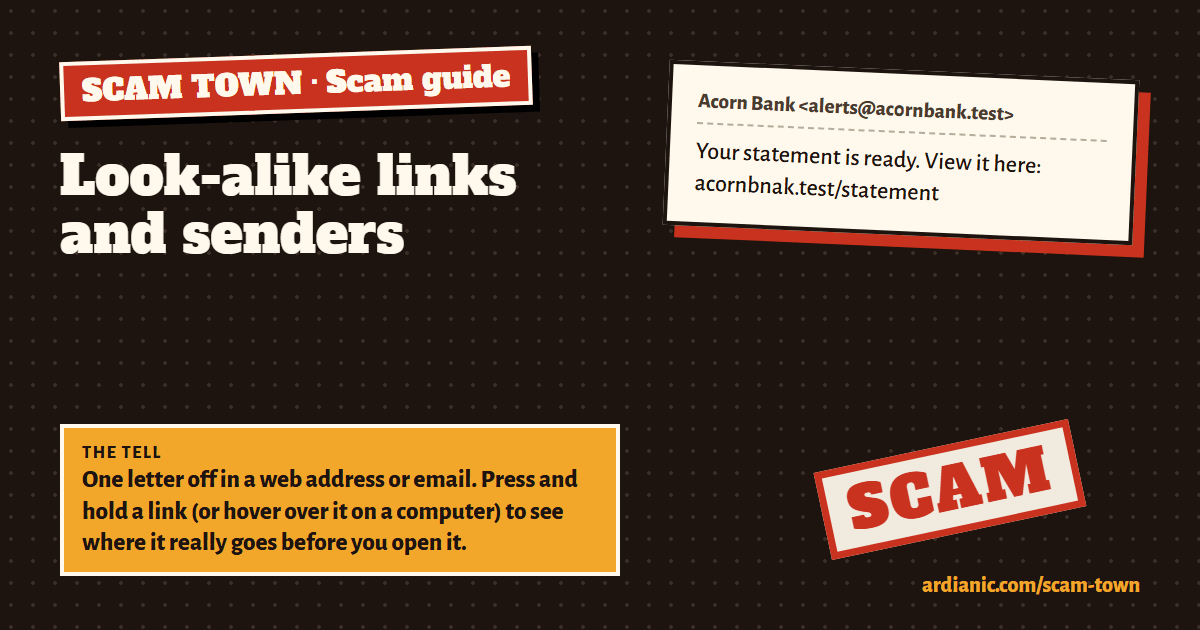
What it looks like
Your statement is ready. View it here: acornbnak.test/statement
A made-up example. Every name, number and link here is fictional.
The tell
One letter off in a web address or email. Press and hold a link (or hover over it on a computer) to see where it really goes before you open it.
Other signs
- Swapped or doubled letters: acornbnak, beepots.
- Numbers for letters: ac0rnbank, beep0st.
- “rn” for “m”, “vv” for “w”: tovvnhall.
- Extra words around the real name: acornbank-secure, beepost-delivery.
- A short link that hides the address.
- A display name that doesn't match the email address behind it.
What to do
- Look at the part of the address just before the first single slash (/). The name right before .com, .co.uk or similar is who owns the site: acornbank.secure-login.test belongs to secure-login, not Acorn Bank.
- Don't trust the padlock: scam sites have one too.
- Go to important sites (bank, tax, email) from your own bookmark or app, never from a link.
If you already replied, tapped or paid
- Call your bank straight away, on the number on your card (or 159 in the UK). Banks can sometimes stop or recover a payment if they hear quickly.
- Change any password you typed in, on the real site, and turn on two-step sign-in.
- Report it (below), and keep the messages and receipts.
- Be careful of anyone who then offers to get your money back for a fee. That is a second scam.
- Don't feel ashamed. Scams are written by professionals and fool careful people every day.
Report it
- In the UK: forward scam texts free to 7726, and scam emails to [email protected].
- Report fraud at reportfraud.police.uk or call 0300 123 2040 (in Scotland, call Police Scotland on 101).
- Elsewhere: your country's police or consumer protection service.
Sources
The advice here follows these official UK pages:
- NCSC: Report a scam email
- GOV.UK: Report suspicious emails, websites and texts
- Citizens Advice: Check if something might be a scam
Practise spotting it
In Scam Town you get letters, texts and calls like these, decide which are real, and see the tell after every answer. You can also build scams yourself from ready-made pieces, which is the fastest way to learn how they work. It's free and plays in your browser.
Play Scam Town